7 platforms · 10 users · annual billing

Replace per-seat software. Save up to PKR 8.09 lakh.

Get your white-label client portal for PKR 25,000 lifetime.

We build, brand, and migrate it from Basecamp, ClickUp, monday.com, Asana, Teamwork, Linear, or Jira. Run every client without adding paid seats.

Included with your portal:

  • Unlimited clients
  • Unlimited client workspaces
  • Unlimited team members and client users
  • Unlimited projects by software license
  • Your brand and custom domain
  • Free migration · Done-for-you setup

Compare the software-fee model

Seven platforms · Pro Unlimited account · annual billing

Highest benchmark

Published annual cost

PKR 833,700/year

Current highest annual benchmark

Year one

Best year-one saving

PKR 784,700

Software-fee difference after the WhiteLabel fee

WhiteLabel software

Lifetime software fee

PKR 25,000

Lifetime software fee. Hosting and services are separate.

Basecamp Pro Unlimited pricing is USD 299/month billed annually, or USD 3,588/year. WhiteLabel's PKR 25,000 figure is a software fee only; hosting, infrastructure, taxes, banking charges, support, and custom work are separate. Products and capabilities differ. Prices verified August 4, 2026. View Basecamp official pricing.
portal.youragency.com
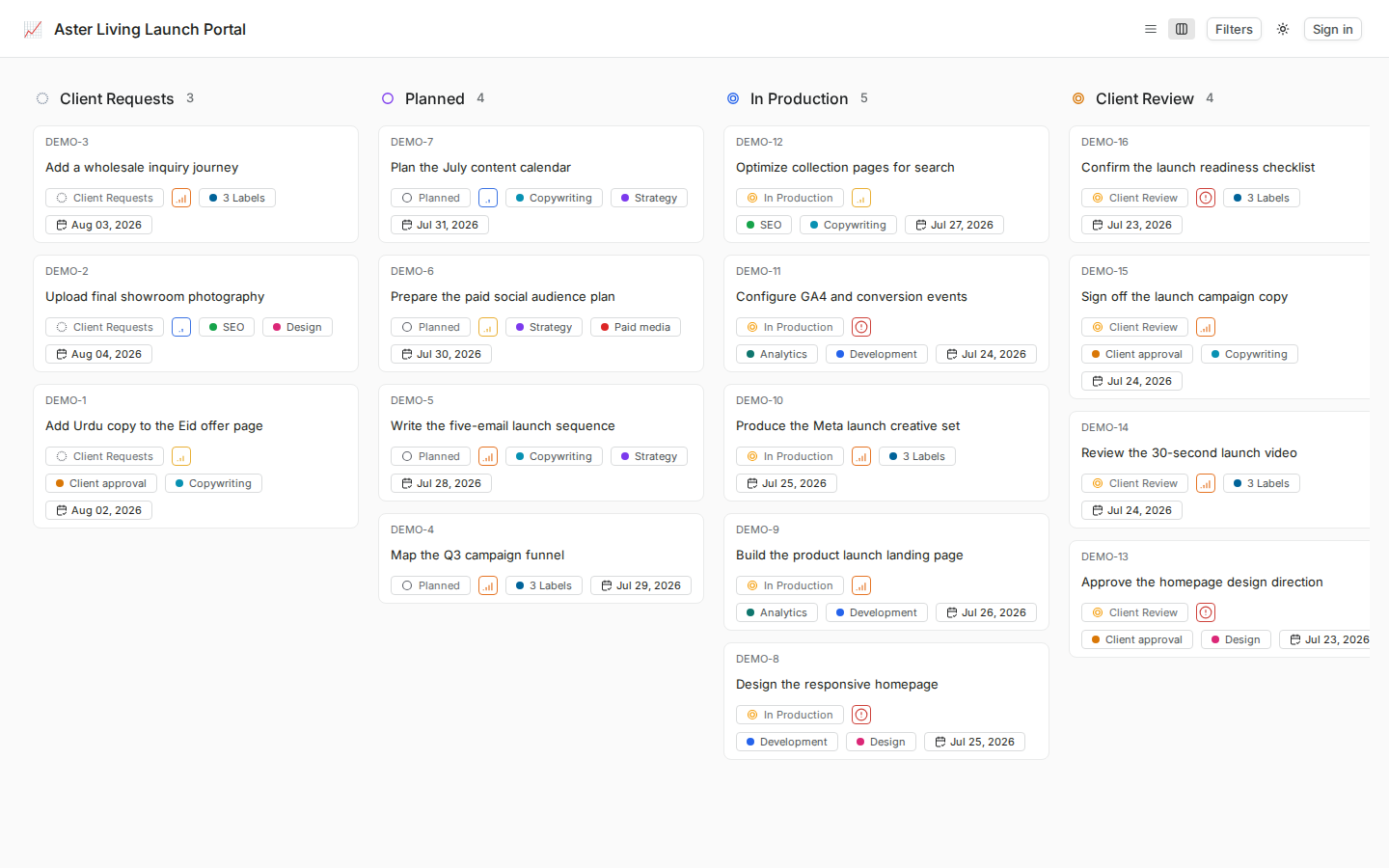
WhiteLabel client delivery portal with private client workspaces and complete workflow stages
Your domain Unlimited Free migration
DECISION GUIDE

Choose the operating model that fits your agency

Compare commercial model, agency branding, client access, hosting responsibility, and the features your team actually uses before switching.

  • Package the portal into your services

    Charge for onboarding, add portal management to a retainer, or use the branded experience to support a higher-priced client package.

  • Keep client work understandable

    Use familiar boards, owners, dates, comments, files, and progress states without exposing another client's workspace.

  • Separate every client workspace

    Keep each client's requests, files, pages, comments, owners, and progress inside the correct private workspace.

  • Confirm the implementation boundary

    Document migration scope, hosting, storage, backups, support, capacity, and third-party services before launch.

Abstract graphic of stacked layers converging into a single point, symbolizing data or platform depth.
ON-PREM AND ON OUR CLOUD

Self-hosted WhiteLabel without giving up the client experience

Run WhiteLabel hosted or self-hosted while keeping the same branded client workspace, permissions, files, approvals, and reporting flow your clients use every day.

  • Installs in a click

    Plan a Docker-based deployment around the selected infrastructure, domain, email, storage, backup, and support responsibilities.

  • Infrastructure sized for the deployment

    Choose infrastructure capacity and operational support based on the client count, storage, traffic, and agreed service scope.

  • Docker-hosted Linux deployment

    Confirm the supported Linux host, Docker requirements, storage, proxy, email, and operational ownership during implementation.

  • Service-based Docker deployment

    The deployment uses multiple application and infrastructure services coordinated through Docker Compose.

Abstract graphic of stacked layers converging into a single point, symbolizing data or platform depth.
ENTERPRISE READY

Secure client access without extra noise

Use role controls, private deployment options, and client workspace boundaries without publishing unverified certification claims.

  • Access controls

    Client and team permissions keep work, docs, files, and updates scoped to the right workspace.

  • Operational controls

    Document deployment and admin review practices. Backup controls are included only after they are implemented and restore-tested.

  • Private client workspaces

    Separate workspaces help keep each client's requests, files, reports, and approvals organized by account.

  • Permission-aware roles

    Sensitive client work stays inside controlled workspaces with clear roles, permissions, review paths, and private deployment options when your team needs them.

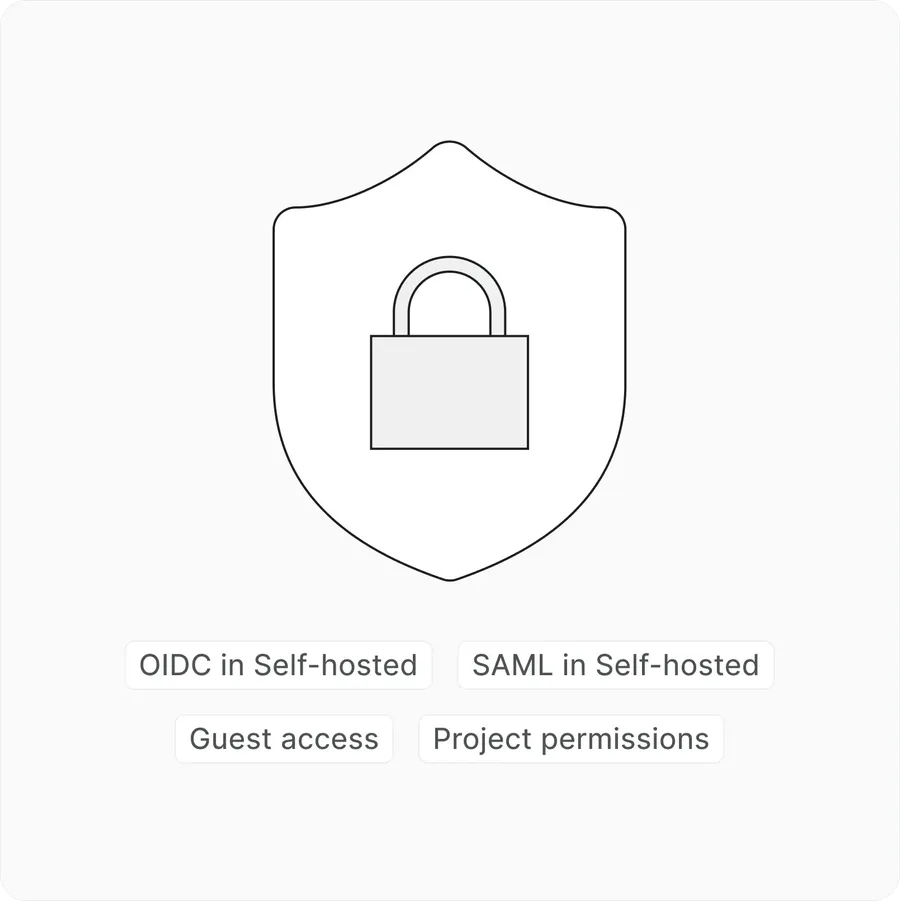
WhiteLabel security controls for private deployment, workspace permissions, and client access management.
WhiteLabel

Switch to WhiteLabel

WhiteLabel