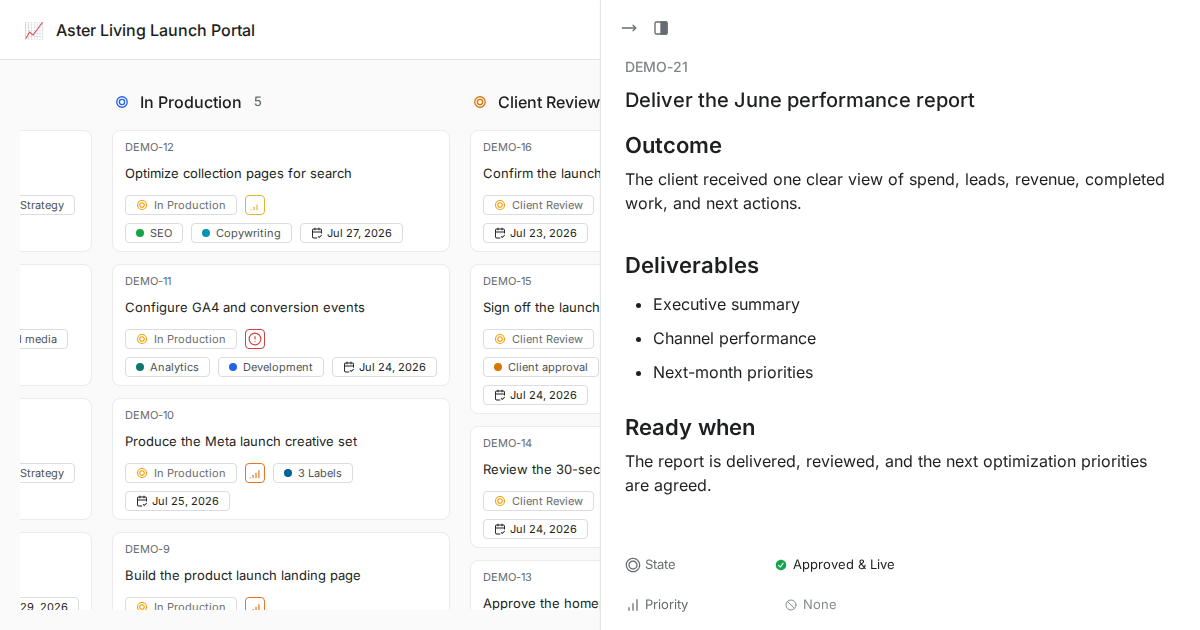
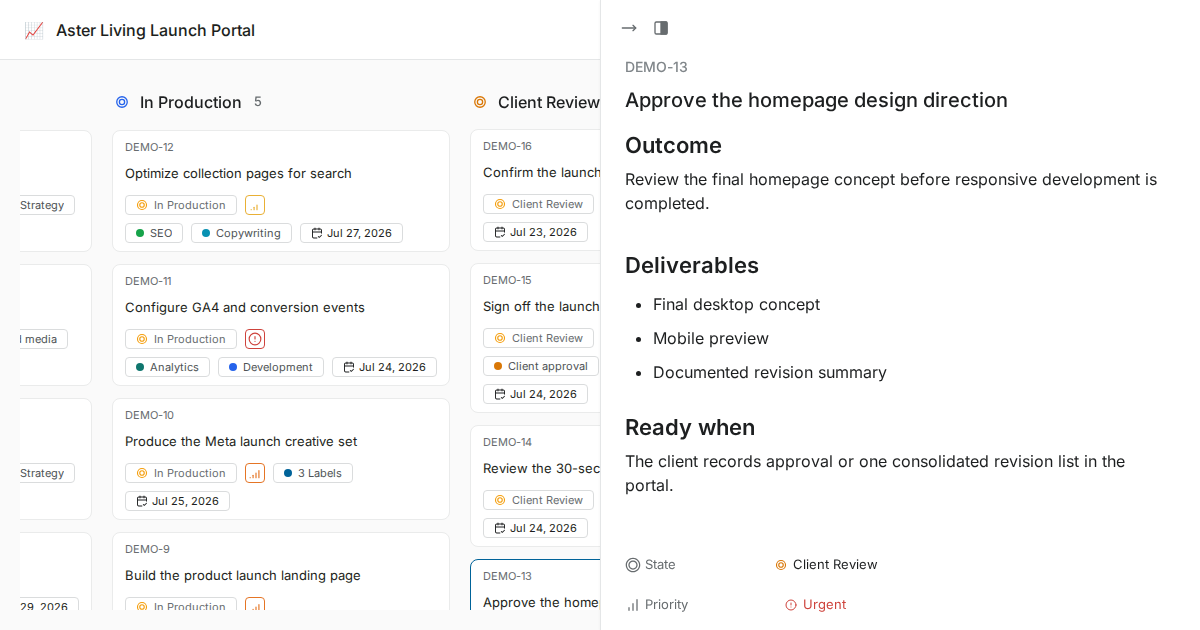
hero block bg
BRANDED CLIENT WORKSPACES

Client workspaces for every account and delivery team

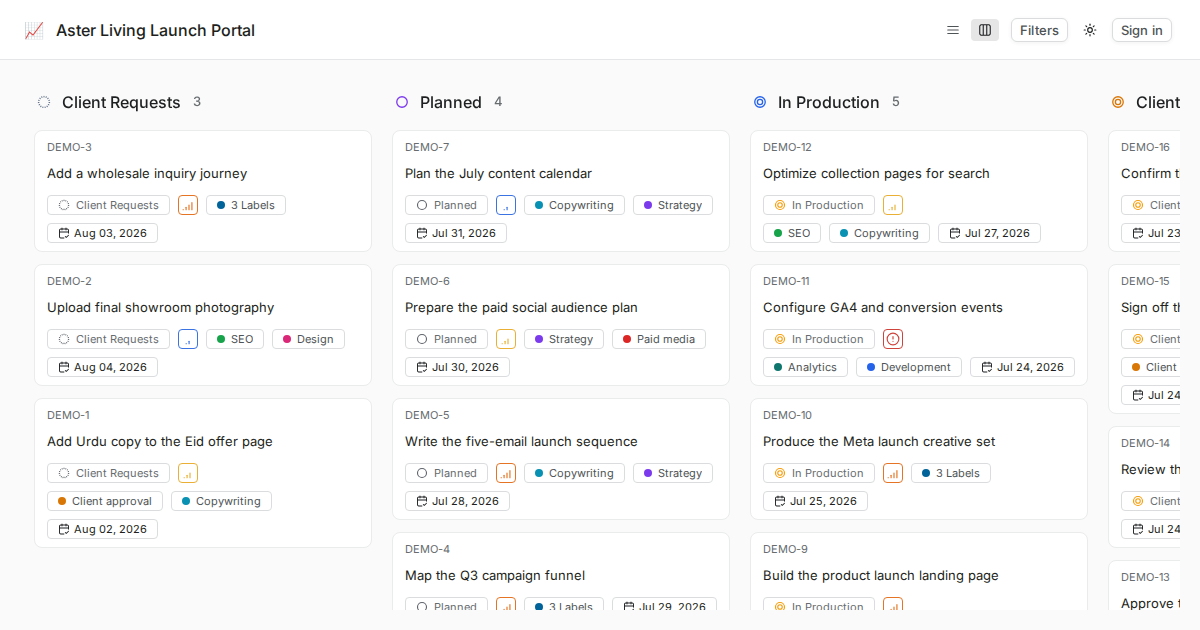
Give each client and internal group a focused workspace for projects, docs, files, members, and permissions, with unlimited users by license.

Invite clients, contractors, and external talent without per-seat software fees, while practical capacity follows your hosting and fair-use limits.
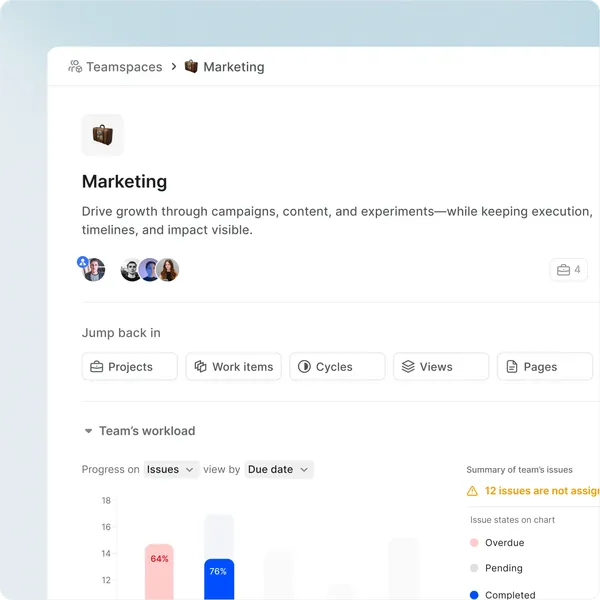
WhiteLabel UI showing teamspace
CLIENT PORTAL STRUCTURE

One global brand per deployment, with focused workspaces for clients, projects, Pages, files, members, and context.

Link existing and new projects

Invite the right members to each workspace and project, then use views and Analytics to keep client work focused.

Client Workspaces inside WhiteLabel
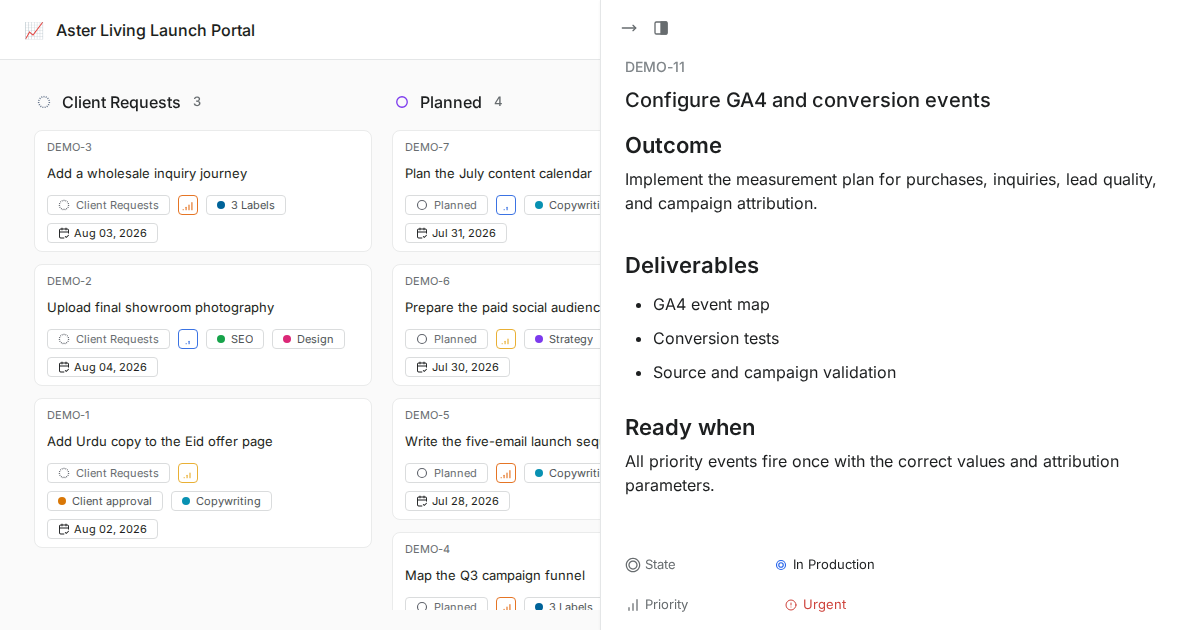
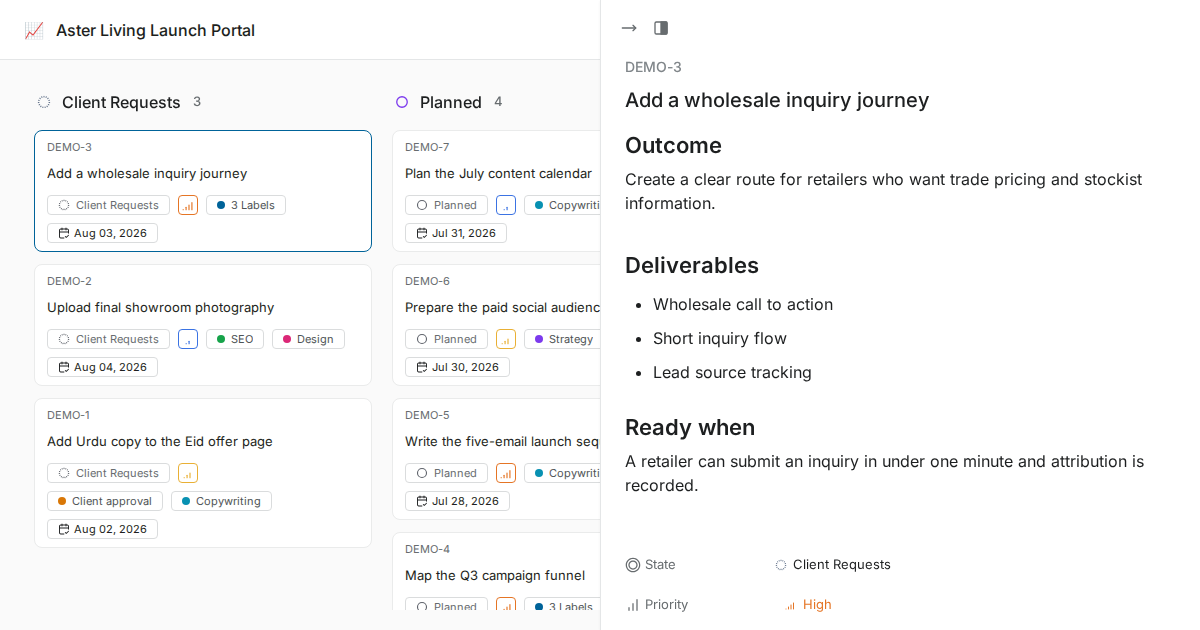
See client-specific work from every project.

Client workspaces keep the account focused while internal teams can still see ownership, blockers, and progress across projects.

WhiteLabel UI showing team-specific-issues-from-all-projects
Track multiple client projects.

Use available project views, saved filters, and Analytics to review ownership and progress without claiming a separate workspace-only or capacity-planning product.

WhiteLabel UI showing track-multiple-cycles
CLIENT-FRIENDLY VISIBILITY

The right client context without another status call

Let your stakeholders and viewers choose what they want to see
without disrupting anyone else’s views.

Jump into anything in a click.

Keep members, project descriptions, Project Pages, and common views close to each client account.

WhiteLabel UI showing quick-access gateways to anything from the Overview
The right info at your fingertips

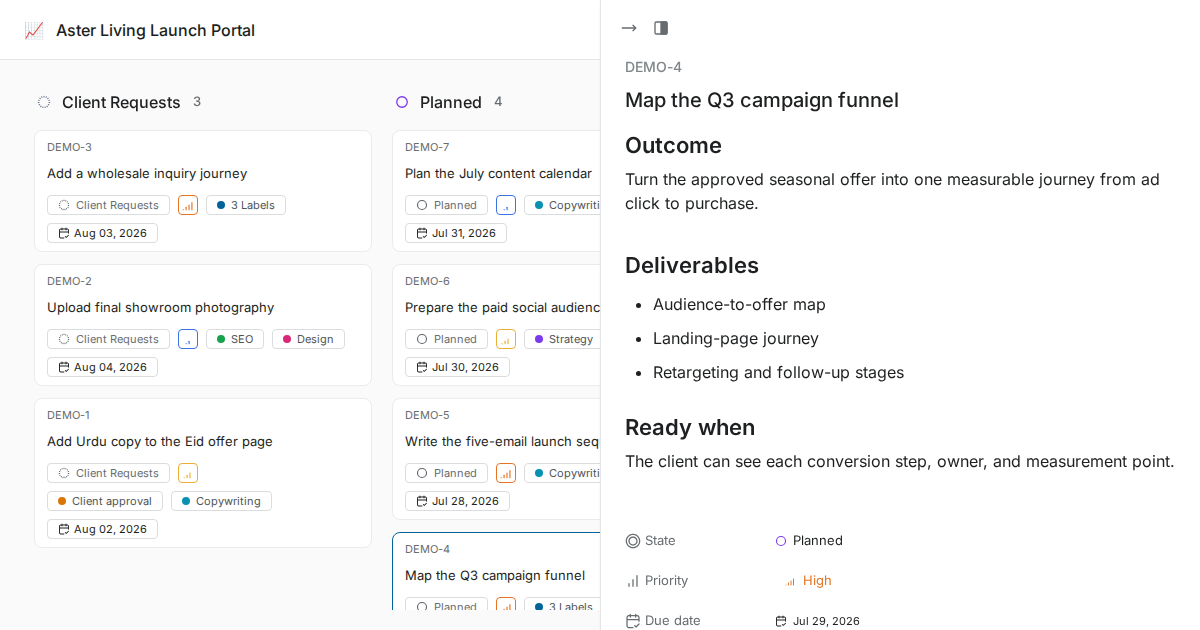
Use the views available in the deployed Community version; exact project features depend on what is enabled for that workspace.

WhiteLabel UI showing side panel
Smart defaults with the freedom to choose

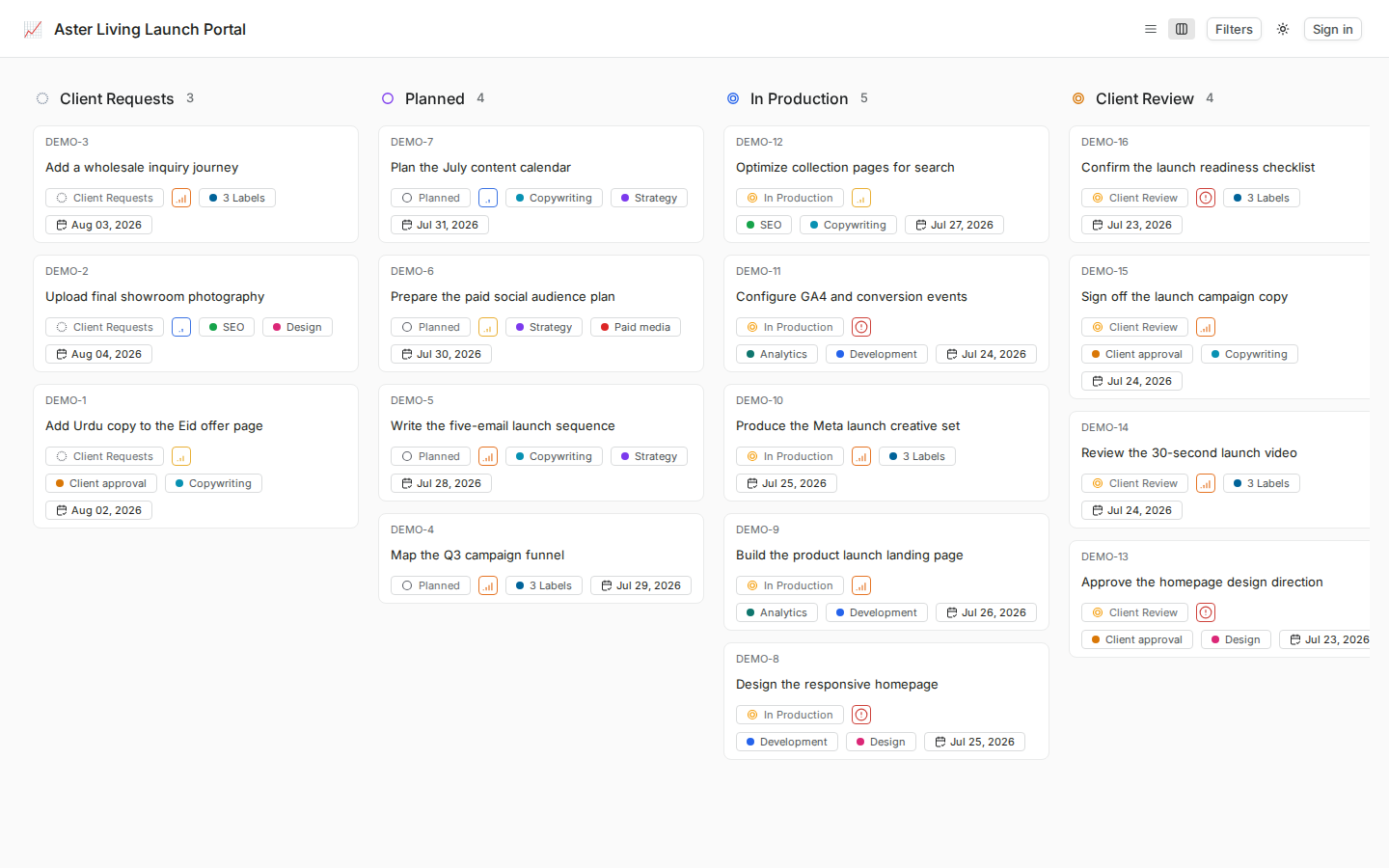
Kanban is configured as the default Work Items view, with other available views accessible from the project.

WhiteLabel UI showing defults
Just-in-time nudges that don’t irk

Use ownership, due dates, comments, activity, in-app notifications, and configured email notifications to keep clients and teams aligned.

WhiteLabel UI showing just in time nudges
SEE THE LATEST. KNOW THE BEST.

Keep useful views and Project Pages close to client work.

Use saved views to focus recurring client reviews and keep

client-specific context in Project Pages.

Saved project views

Save useful filters and display settings for recurring client reviews.

WhiteLabel UI showing team only views
Project Pages

Keep project briefs, SOPs, notes, and files beside the work.

WhiteLabel UI showing team only pages
COMING NEXT
Workload review

See workload per member in your team, track
distribution, and plan capacity on demand.

WhiteLabel UI showing capacity planning
WhiteLabel UI showing teamspace
Useful project signals

Use Analytics and saved views to review delivery progress without promising an unsupported capacity-planning surface.

WhiteLabel

Work together. Win together.

Nacelle