Review stages
Clear review stages for client delivery and follow-up
Custom states, owners, labels, permissions, and review paths keep client work moving.
Configure the workflow around how each account is delivered.
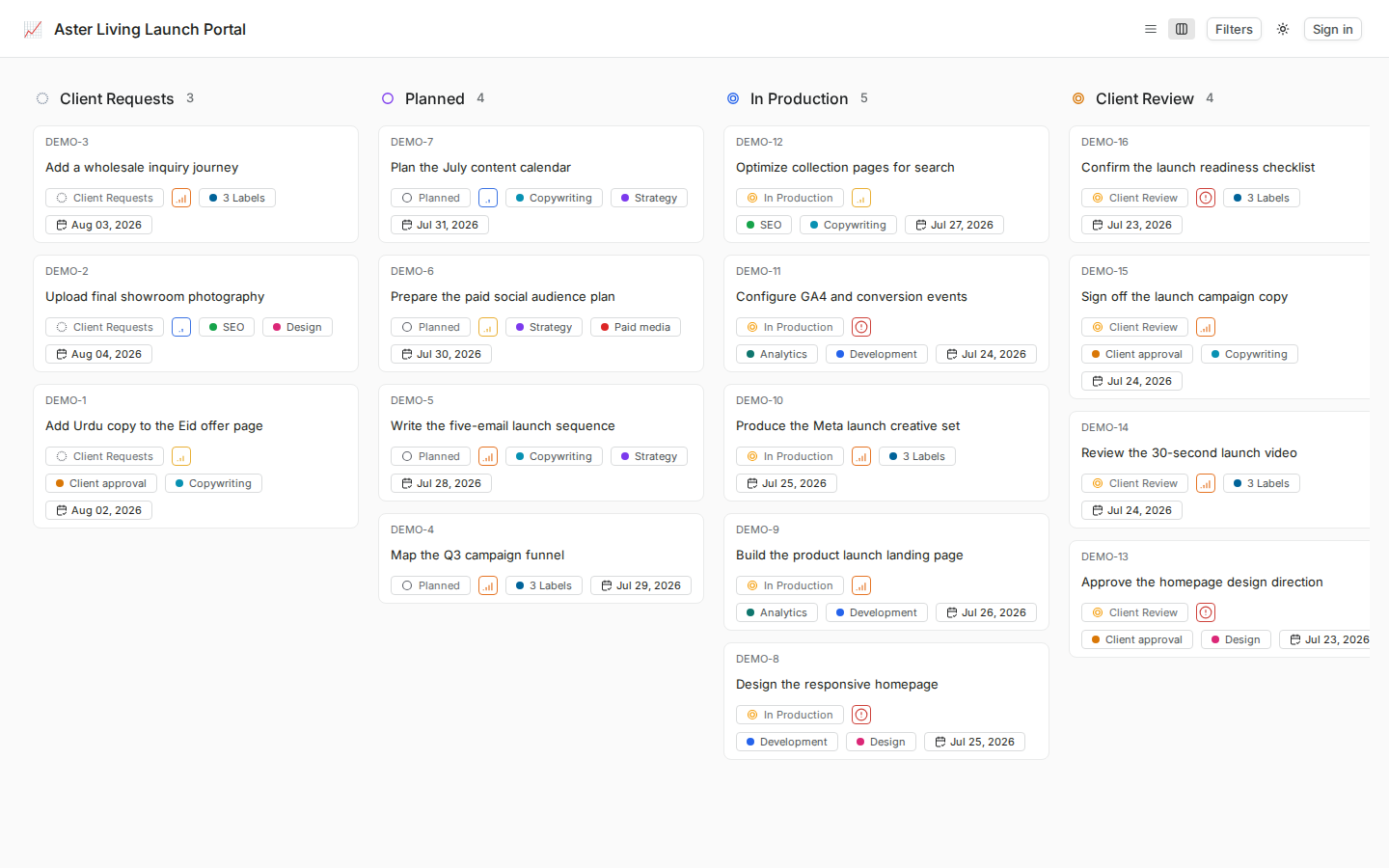
Custom states, owners, labels, permissions, and review paths keep client work moving.
Configure the workflow around how each account is delivered.
Agencies run
client work in WhiteLabel






Guardrails that enforce process,
not slow it down
States, owners, labels, due dates, comments, and human sign-off configured around each project.
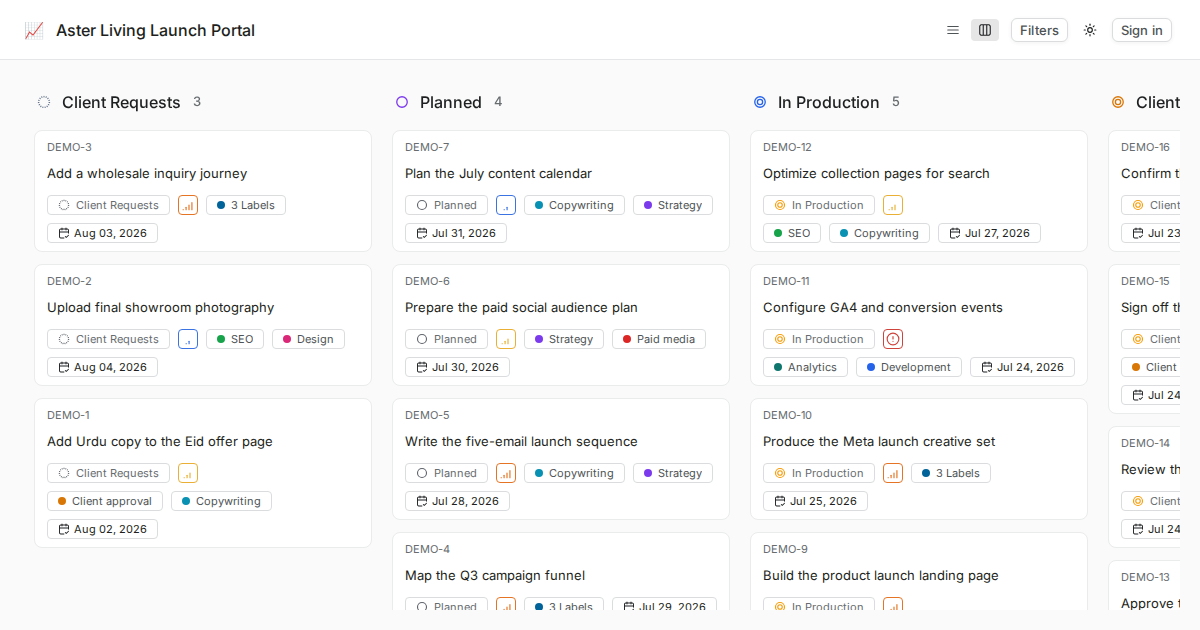
States that match your process
Use standard project states to show what is waiting, active, under review, completed, or cancelled.
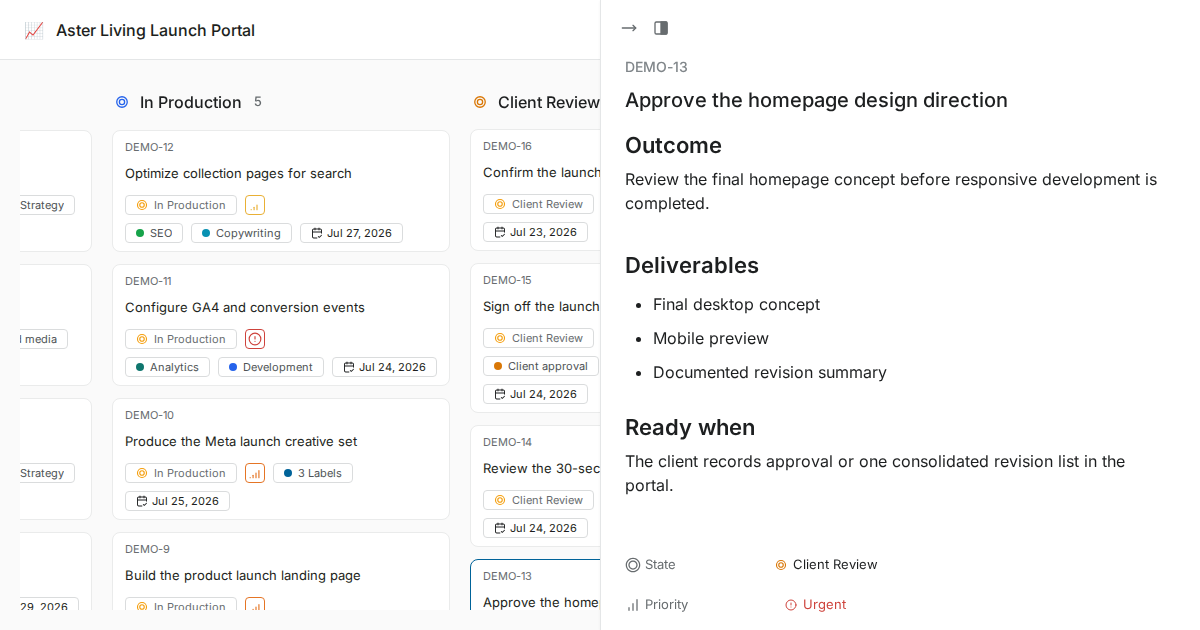
Human review before important handoffs
Assign an owner, record review feedback in comments, and move the item only after the responsible person signs off.
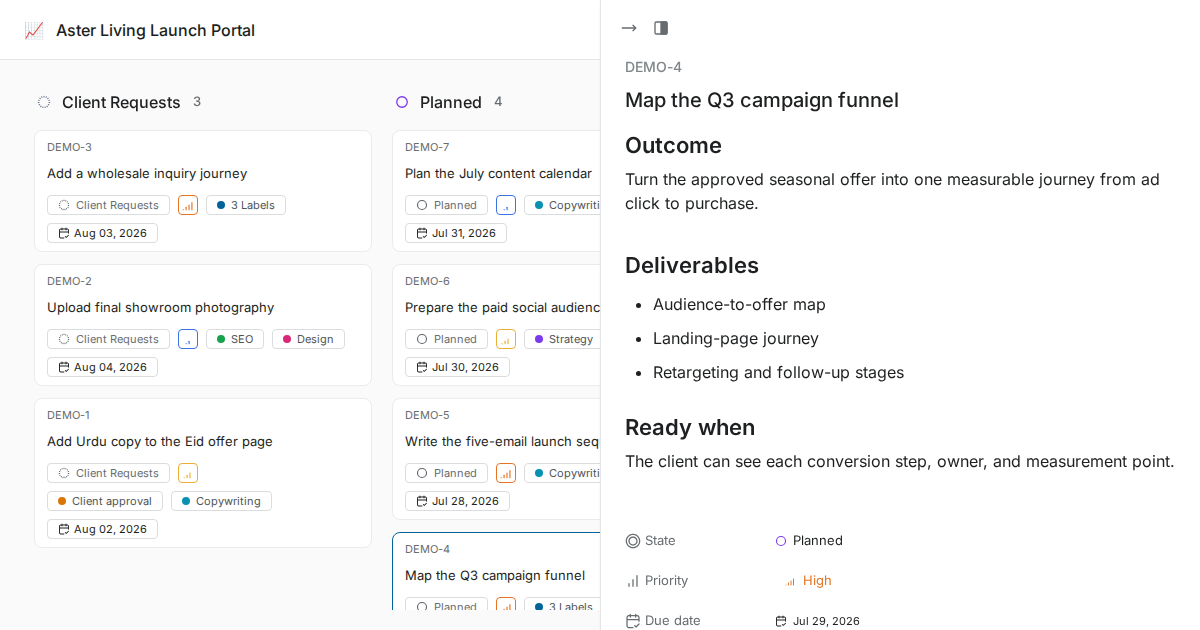
Project-specific delivery stages
Configure states and saved views around the type of client work delivered by each project.
Configure in clicks,
update on the fly
Configure project states, labels, owners, dates, and review conventions during implementation.

Documented state and review setup

Update states without losing project context
Use filters and saved views to find work by state, owner, label, or priority
Five state groups with custom states
Backlog, Unstarted, Started, Completed, Cancelled. Create custom states inside each group to match your process.

Add, edit, reorder, and delete states per project

Control which states accept new work items

Set default states for new work items
Workflow context before your
team has to chase it
Use clear states, labels, owners, and follow-up rules to keep client work from stalling. next transition
Clear workflow states, labels, and ownership show the next step from work item context and recent activity.
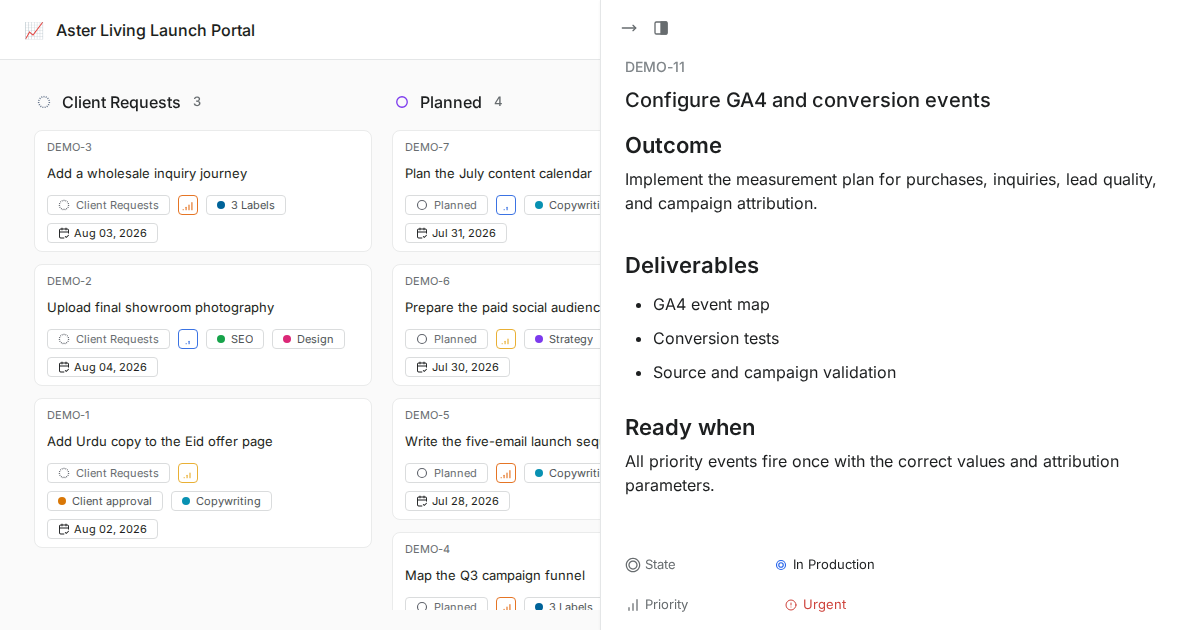
Flag stuck items
Saved views and workflow states make stale work easier to review before the next status call.
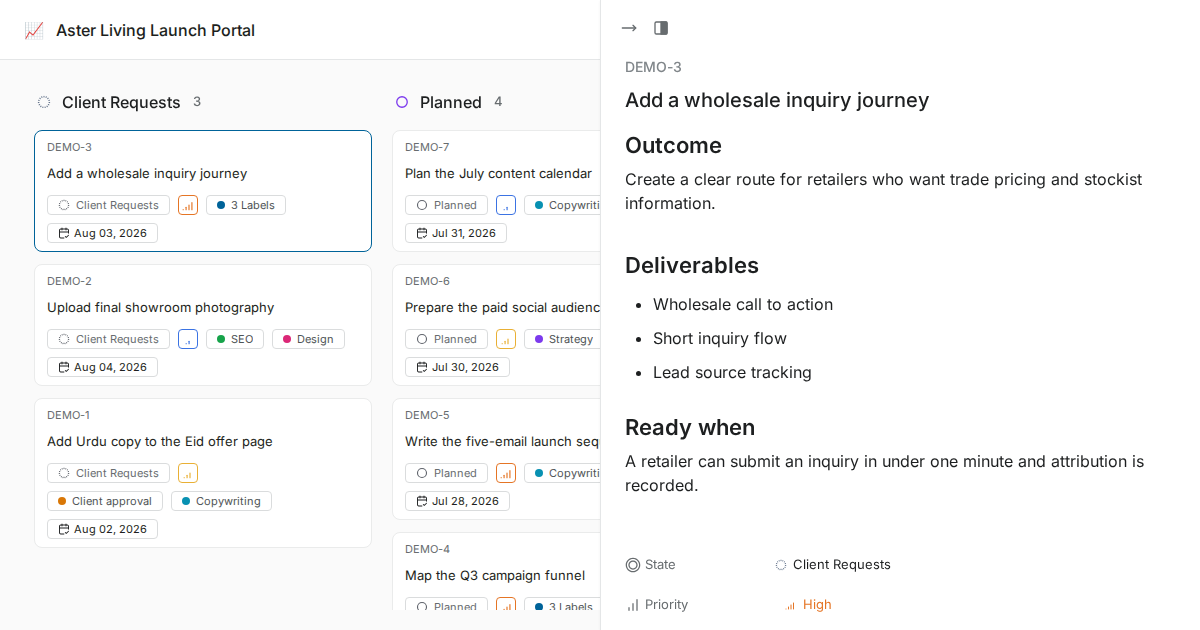
Small details that make
workflows easy to love
Built to keep your team in flow without hiding the process
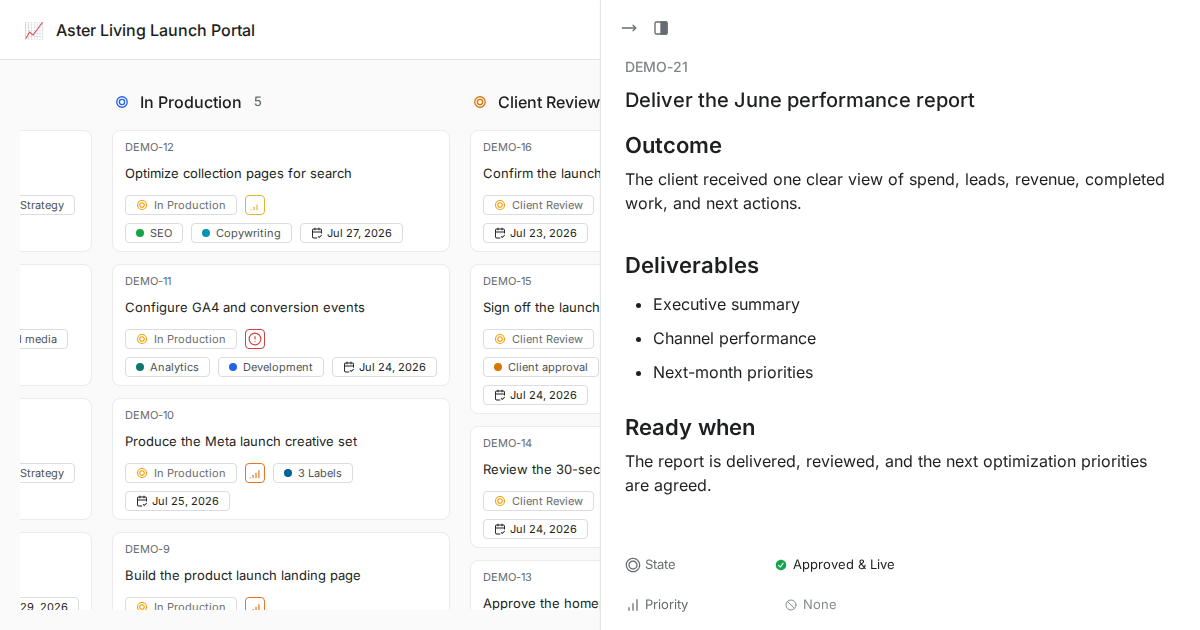
Work-item activity history
Review available work-item activity, comments, and state changes in context.
Project conventions
Each project can use its own standard states and saved views. Community does not enforce separate workflows by work-item type.
Owner-controlled setup
Project owners and admins manage project settings; review responsibility is recorded through ownership and comments.
Standard state groups per project
Projects use standard state groups and configurable project states. Review affected work items before changing or deleting a state.
Change states carefully
State changes require an impact review; automatic workflow fallback is not promised in the Community deployment.
Human review remains explicit
Community does not enforce approval transitions. Owners record review feedback and move work only after the responsible person signs off.
State context supports connected delivery
States, owners, dates, comments, and saved views show progress; formal governance requires separately licensed Commercial controls.
Your review process, your infrastructure
Deployment scope depends on the selected hosting model, Community capabilities, infrastructure, and separately agreed services.
Installation planned for your infrastructure
Docker-based deployment
Backup requirements scoped separately
Instance administration for instance config
Private deployment available
Trello migration available after assessment
Admin panel for SMTP, auth, and more
Documented instance operations
Security, permissions, and hosting control
WhiteLabel gives agencies the controls clients expect: available roles, visible activity, hosted deployment, and self-hosted options.
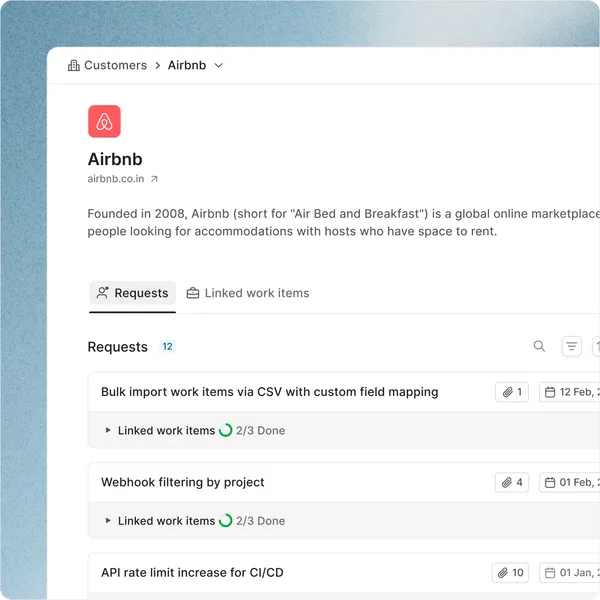
Built around practical access controls
Available workspace and project roles, private hosting options, and visible work-item activity for each client workspace.
Hosting options for reliable delivery
Managed and self-hosted options require a written backup and support scope before those services are represented as included.
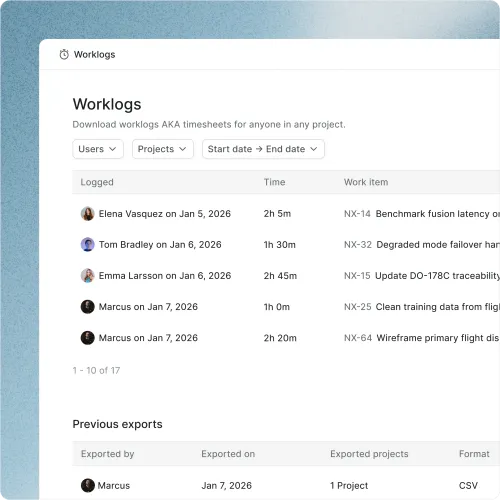
Access controls for every workspace
Role-based permissions, client workspaces, and activity history keep access controlled.
Branded client
delivery starts here

 Try live demo