WHITELABEL VS OTHERS

Looking for a better client portal?

Compare WhiteLabel's branded client portal and project management experience with general-purpose work tools. Projects and users are unlimited by license, with practical capacity governed by hosting and fair use.

Illustration of WhiteLabel card stacked against cards showing multiple competitor app icons, suggesting consolidation.
RIGHT FOR YOU

Compare client delivery, human review, and handoffs

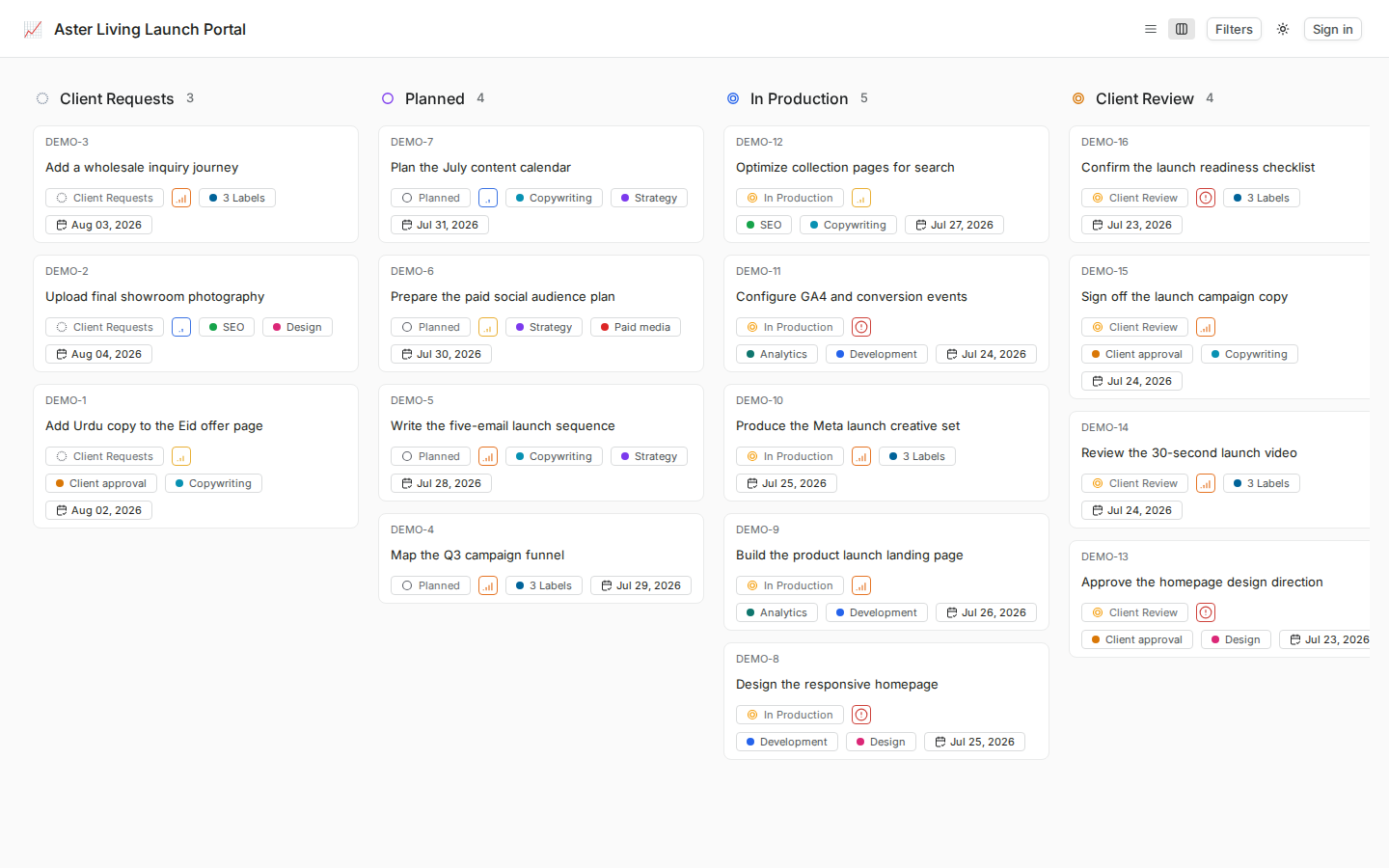
WhiteLabel combines familiar Kanban boards with client workspaces, Project Pages, files, comments, standard states, and human review.

  • Use your delivery conventions

    Configure standard states, labels, owners, priorities, dates, and views around your service process.

  • Familiar board experience

    Use Trello-like boards and clear work-item details while allowing time for onboarding and role setup.

  • Consolidate client context

    Keep client work, files, Project Pages, comments, owners, and progress in one branded portal.

  • Knowledge meets work

    Keep Project Pages, links, files, and work items together so client context stays close to delivery.

Abstract graphic of stacked layers converging into a single point, symbolizing data or platform depth.
ON-PREM AND ON OUR CLOUD

Self-hosted WhiteLabel without giving up the client experience

Run WhiteLabel hosted or self-hosted while keeping the same branded client workspace, permissions, files, approvals, and reporting flow your clients use every day.

  • Installs in a click

    Plan a Docker-based deployment around the selected infrastructure, domain, email, storage, backup, and support responsibilities.

  • Infrastructure sized for the deployment

    Choose infrastructure capacity and operational support based on the client count, storage, traffic, and agreed service scope.

  • Docker-hosted Linux deployment

    Confirm the supported Linux host, Docker requirements, storage, proxy, email, and operational ownership during implementation.

  • Service-based Docker deployment

    The deployment uses multiple application and infrastructure services coordinated through Docker Compose.

Abstract graphic of stacked layers converging into a single point, symbolizing data or platform depth.
ENTERPRISE READY

Secure client access without extra noise

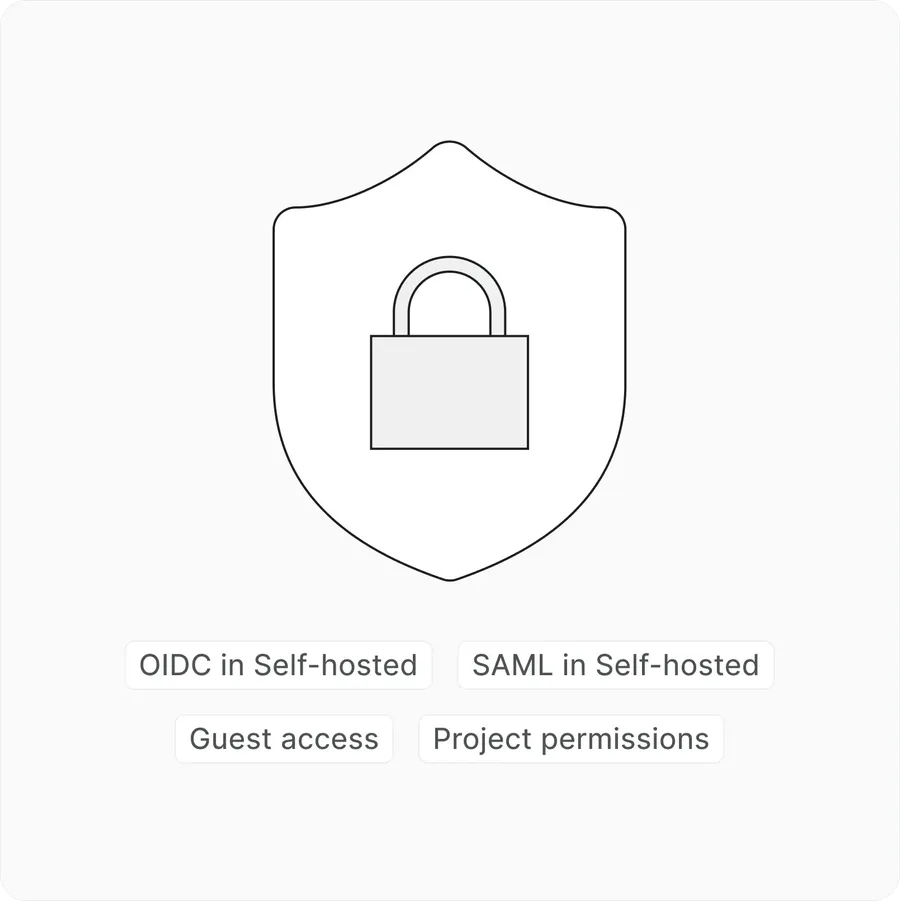
Use role controls, private deployment options, and client workspace boundaries without publishing unverified certification claims.

  • Access controls

    Client and team permissions keep work, docs, files, and updates scoped to the right workspace.

  • Operational controls

    Document deployment and admin review practices. Backup controls are included only after they are implemented and restore-tested.

  • Private client workspaces

    Separate workspaces help keep each client's requests, files, reports, and approvals organized by account.

  • Permission-aware roles

    Sensitive client work stays inside controlled workspaces with clear roles, permissions, review paths, and private deployment options when your team needs them.

WhiteLabel security controls for private deployment, workspace permissions, and client access management.
WhiteLabel