WORK ITEMS

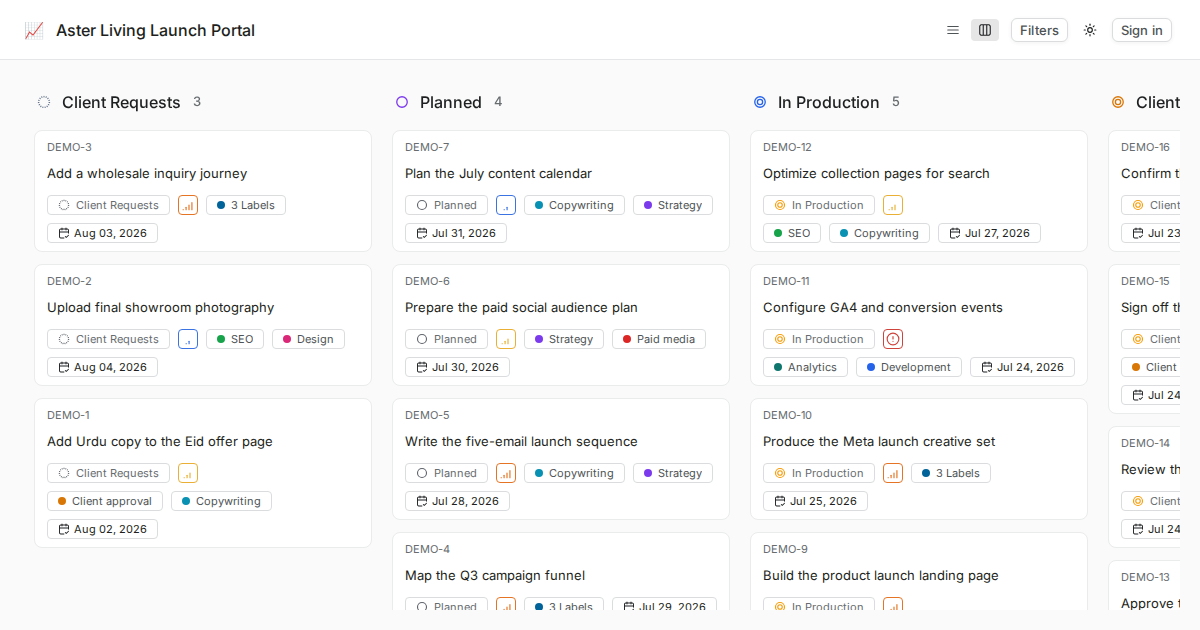
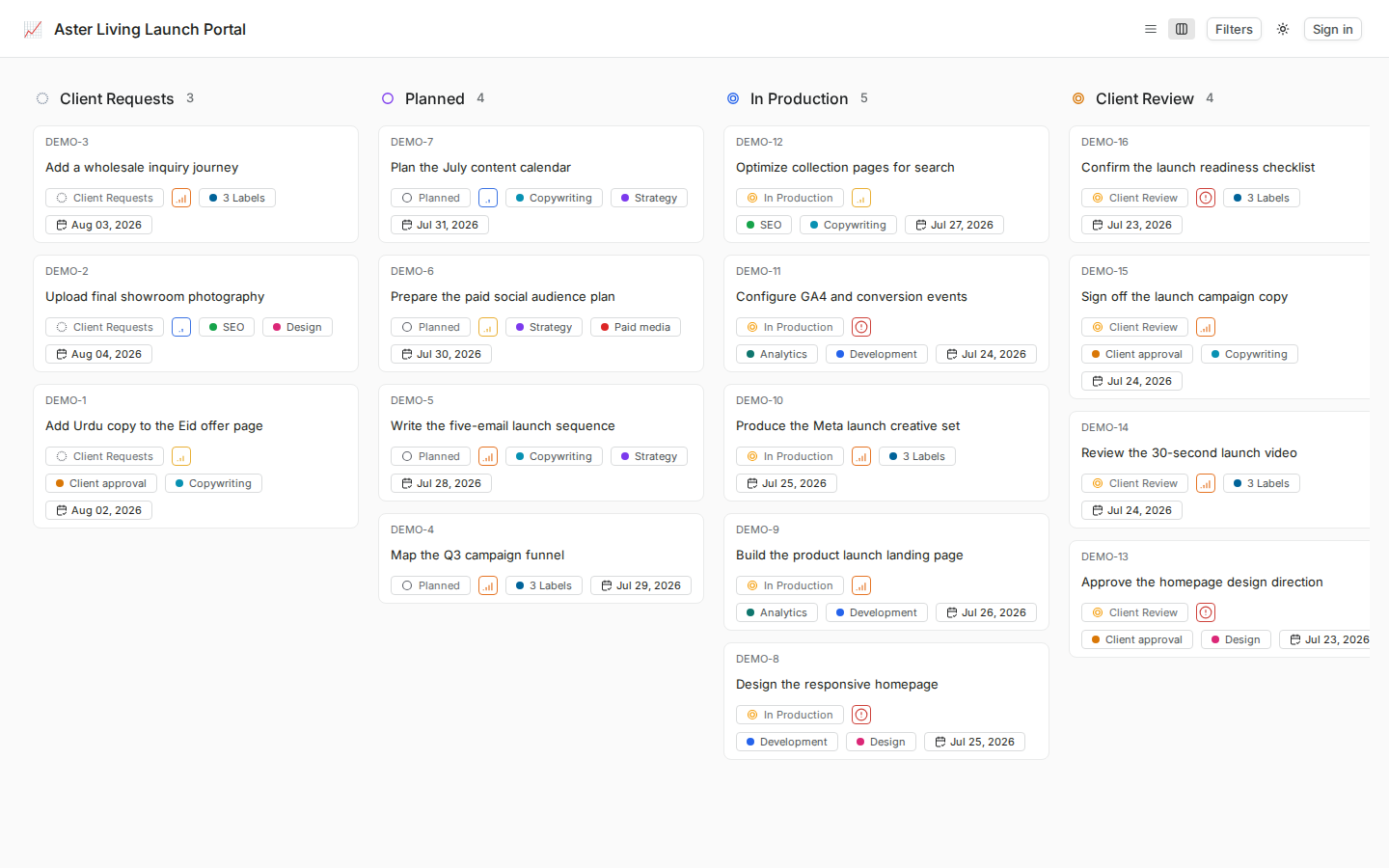
Kanban work items built for client delivery

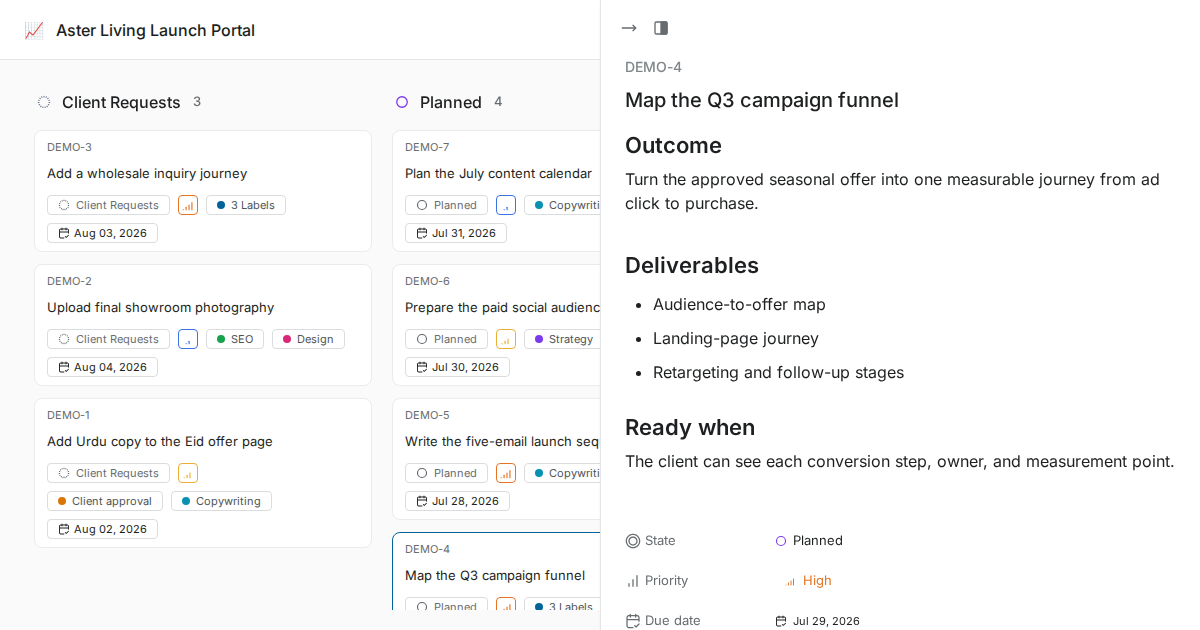
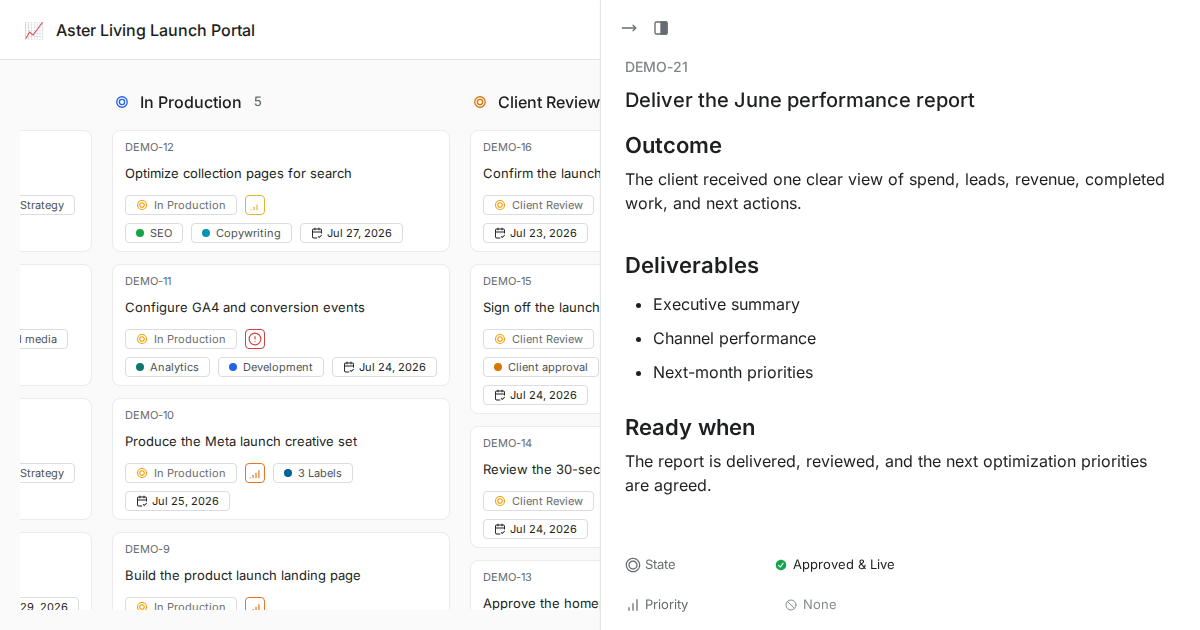
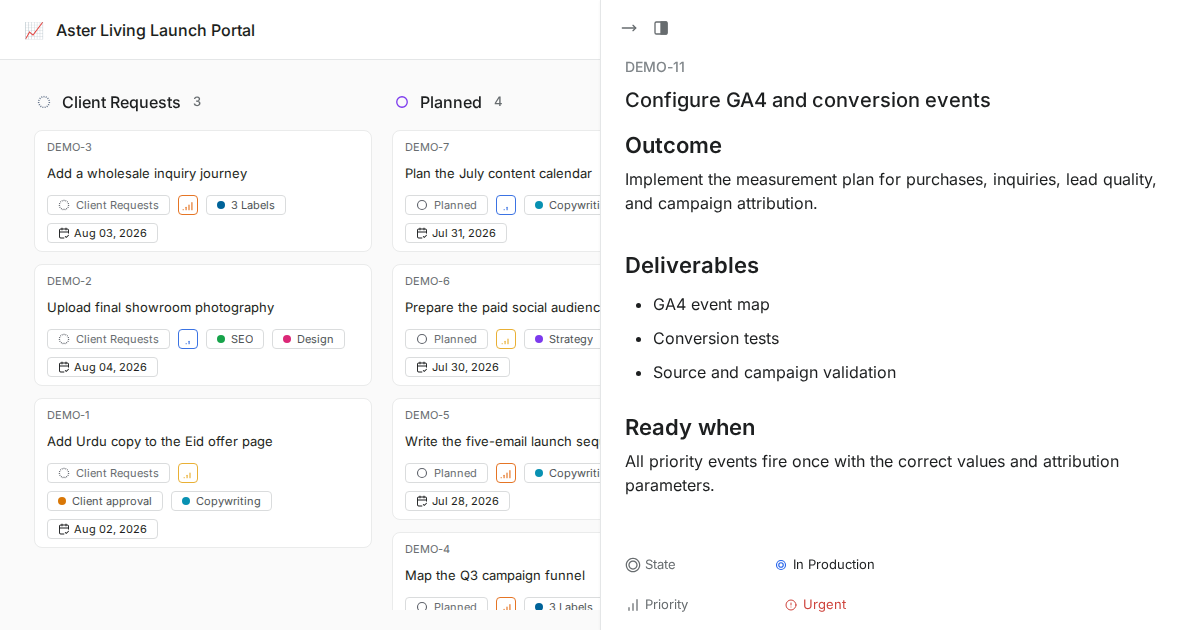
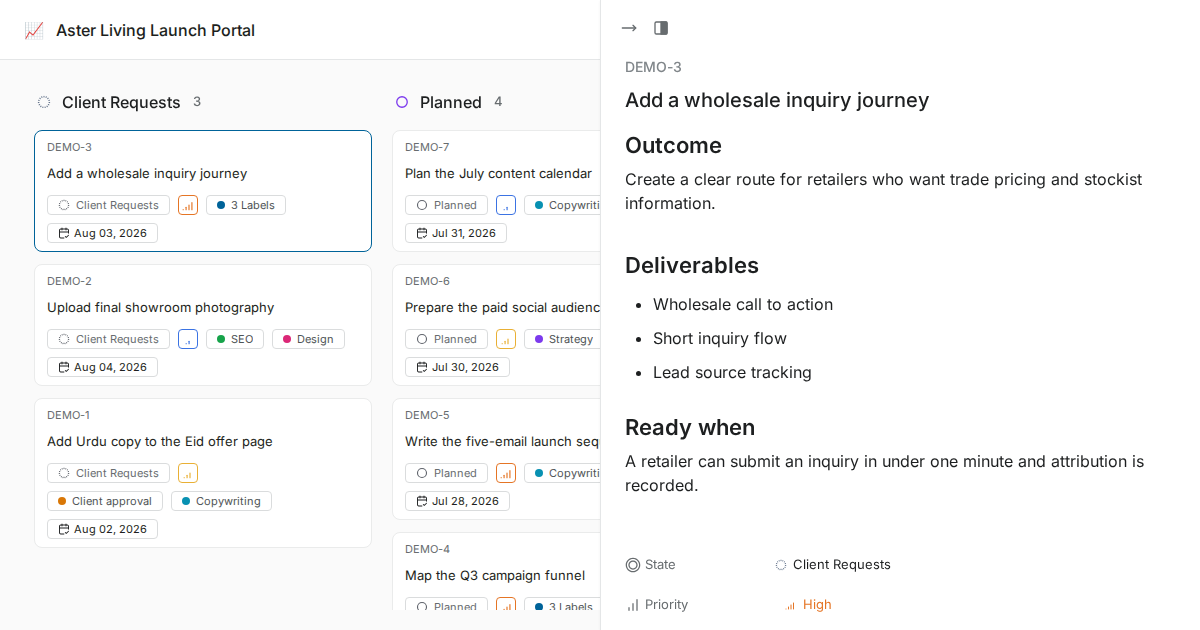
Work items are the system of record for client delivery. Rich descriptions, states, owners, labels, priorities, due dates, image previews, and activity keep every request tied to the work that moves it forward.
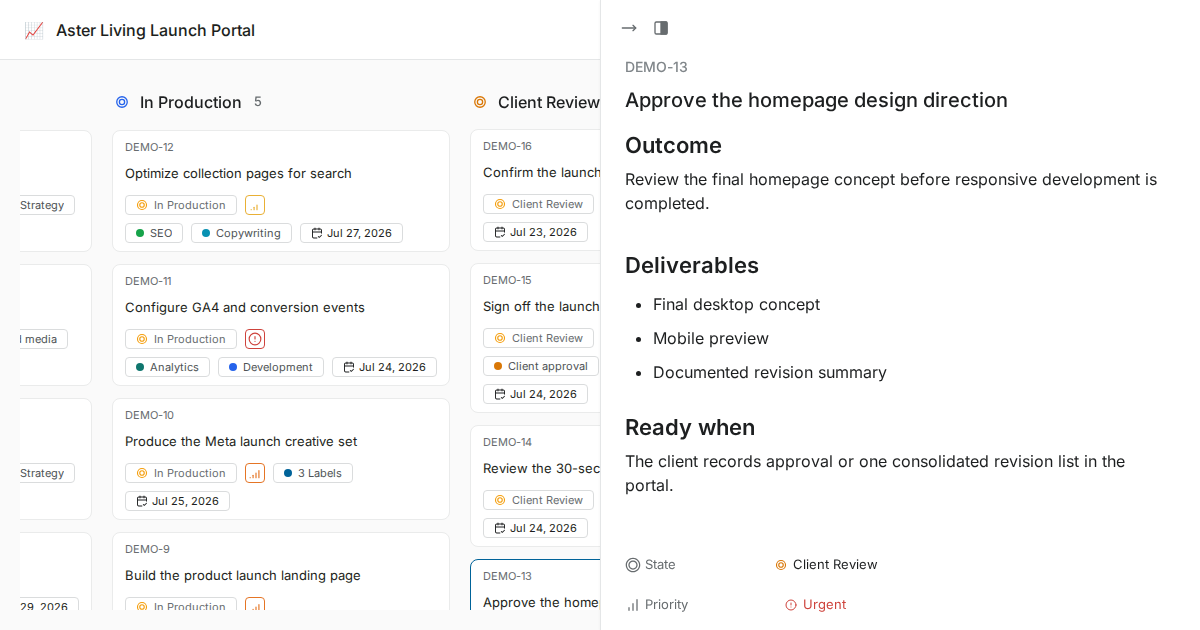

screenshot-work-item-detail-hero-new
Inside every work item

Not just a ticket.
A complete surface for work.

Context, connections, and history in one place. Built for the team that
needs to understand, not just the person who filed it.

screenshot-markdown-cards

A document where the work lives

  • Keep a rich description, comments, files, links, and project context beside the work item so the brief and delivery record stay together.

screenshot-activity-cards

Activity that keeps context visible

  • Use the activity and comments available in the deployed version to understand how a work item changed and who responded.

screenshot-relations-cards

Context that prevents surprises

  • Use labels, links, comments, owners, and available relationships to keep related client requests connected.

Ownership and context around every
work item

Create structured work items from client requests

Capture the request, owner, due date, labels, files, and next step in one place instead of rebuilding the task from scattered messages.

screenshot-ai-build-mode-bento-new

Assign work to the right owner and stage

Use states, labels, members, comments, and activity history so every handoff is visible to the team and client.

screenshot-ai-agents-bento-new

Keep descriptions, files, and previews together

Imported Trello descriptions, comments, labels, and image attachments stay connected to the card so context is not lost.

screenshot-ai-draft-bento-new

Keep related work from splitting apart

Related items, labels, and history keep repeated client asks connected to the right work.

screenshot-ai-dedupes-bento-new

Status context in one place

Comments, activity, linked items, files, and history stay together for fast status review.

screenshot-ai-summary-bento-new
Under the hood

Structure that scales
without adding overhead

Configure clear states, labels, owners, priorities, dates, and saved views around the client delivery process.

abstract-work-item-types-grids

Standard work-item setup

  • Use standard work items with states, labels, owners, priorities, due dates, comments, descriptions, and files.

screenshot-layouts-grids

Kanban and available project views

  • Use the Kanban board as the primary client view and configure the saved views supported by the deployed Community version.

screenshot-bulkops-grids

Bulk operations

  • Use available bulk actions after they are verified on the deployed Community version.

screenshot-activity-grids

Activity history

  • Keep comments and available activity together with the work item; formal audit controls are not claimed.

screenshot-templates-grids

Reusable delivery conventions

  • Document standard descriptions, labels, states, checklists, and Project Pages for repeatable client setup.

screenshot-recurring-work-items-grids

Repeatable client work

  • Reuse documented project setup and checklists; automatic recurring work is not included in the standard deployment.

CONNECTED FEATURES

Where client delivery stays connected

Projects, comments, files, ownership, states, and client updates stay connected through work items.

screenshot-cycles-tabs-2

Your work items. Your infrastructure.

Deployment scope depends on the Community version, hosting model, infrastructure, and separately agreed services.

  • Installation planned for your infrastructure

  • Docker-based deployment

  • Backup requirements scoped separately

  • Backup requirements scoped separately

  • Private deployment available

  • Plan a scoped Trello migration

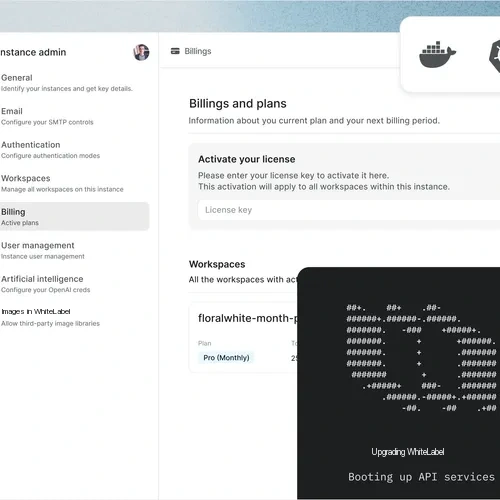
  • Admin panel for SMTP, auth, and more

  • Instance administration for instance config

Security, permissions, and hosting control

WhiteLabel gives agencies the controls clients expect: available roles, visible activity, hosted deployment, and self-hosted options.

authenticate-project-management

Built around practical access controls

  • Available workspace and project roles, private hosting options, and visible work-item activity for each client workspace.

uptime-projectmanagement

Hosting options for reliable delivery

  • Choose managed hosting or self-hosted deployment. Keep portal ownership, domains, and operational controls aligned with each client.

authenticate-project-management

Access controls for every workspace

  • Role-based access and 60-day sessions across every workspace. Keep client access controlled.

Branded client

delivery starts here

Nacelle