Client access controls with practical deployment guardrails
WhiteLabel focuses on documented controls today: roles, permissions, private workspaces, 60-day sessions, upload limits, and hosted or self-hosted deployment.
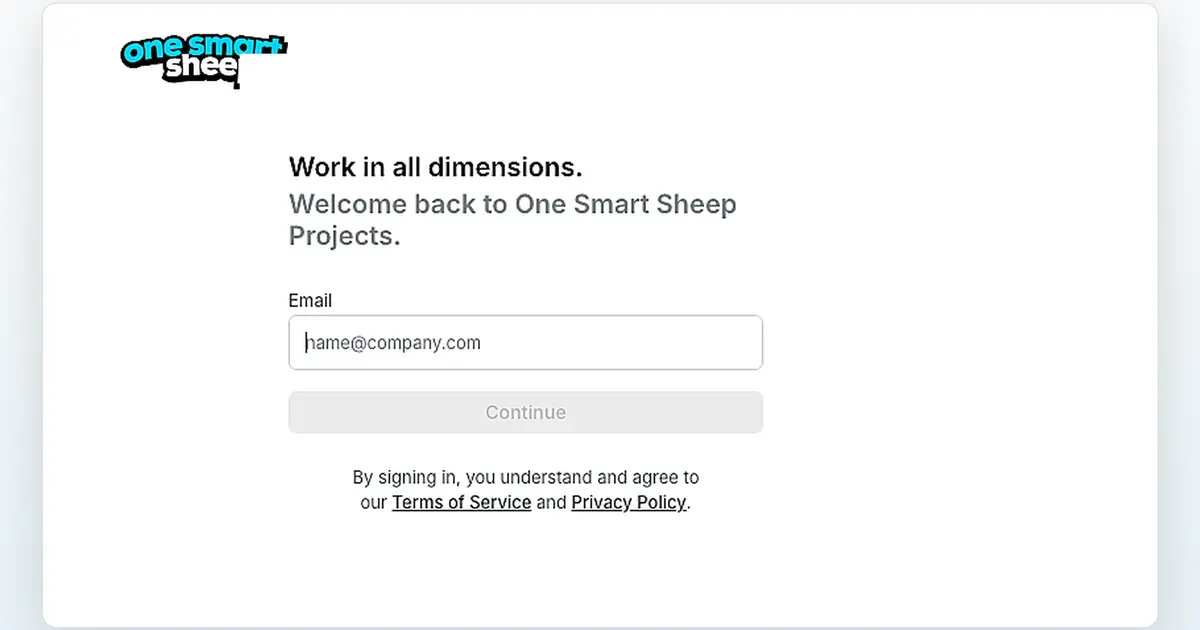
Give clients a private portal with controlled access, branded emails, long sessions, file limits, and deployment choices your team can explain.
Use managed hosting or self-hosted deployment without promising certifications that have not been verified.
WhiteLabel focuses on documented controls today: roles, permissions, private workspaces, 60-day sessions, upload limits, and hosted or self-hosted deployment.
Use the configured email-and-password flow, password resets, HTTPS, and controlled invitations. Magic-code login is not enabled in the reference deployment.
Run through HTTPS, keep uploads inside the configured storage layer, and apply documented 100 MB file limits with private workspace boundaries.
Instance administration, workspace membership, and project access are separate responsibilities that must be assigned and reviewed during setup.
Use admin, member, and guest access patterns to keep client work scoped to the right workspace and team.
Use private workspaces and projects with configured roles and invitations. Confidential access still depends on correct admin, member, guest, and project settings.
WhiteLabel uses a Docker-based, service-oriented deployment with application, database, cache, queue, storage, and proxy components that must be patched and operated together.
Instance administrators control instance-level settings. Workspace and project access must still be configured separately and reviewed before client onboarding.
Configure the login experience, branded emails, long sessions, and client workspace access without exposing backend details.
Configure invitation, password, and password-reset email delivery; do not advertise magic codes unless that login method is enabled and tested.
Use private deployment when clients need stricter infrastructure boundaries and review the compliance language your business can support.

Run managed or self-hosted, keep each client in the right workspace, and align operational controls with the signed scope. Disable public signup and public workspace creation for controlled client deployments.


 Try live demo